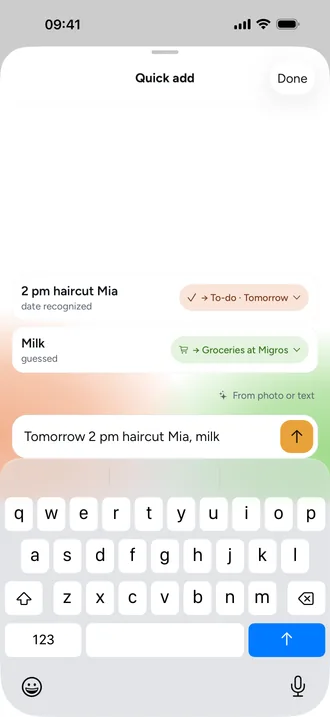
Snap a school letter: turn it into events and to-dos
The school letter arrives on Monday, the trip is on Friday, and the form is due back on Wednesday. Instead of typing it all out, you take a photo.
How it works
- Tap the + in the middle of the bar and choose From photo or text.
- Take a photo of the school letter, invitation or timetable, or paste text.
- Beeside shows drafts: events with date and time, to-dos with a due date, groceries.
- Check the drafts and accept what's right. Only what you accept is saved.
What happens to the photo
On iPhone, text is read by Apple's on-device model where available. Photos are read by the server AI. Beeside doesn't send your account, email address or family names along, and never private entries. You can turn the server AI off in settings.
Frequently asked questions
Does Beeside save everything automatically?
No. Beeside shows drafts, and only what you accept is saved.
Can I use it without AI?
Adding text works without the server AI, using a dictionary and your history. Reading photos needs the server AI.