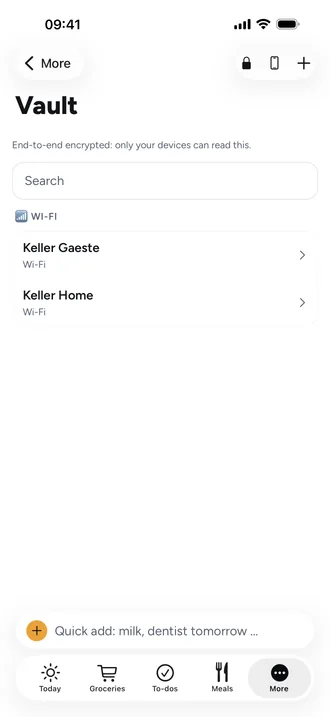
Set up the vault and keep your recovery key safe
The vault is only in the iPhone and Android app, not in the web app. One adult sets it up on their own phone, once for the whole family.
- Open More › Vault, tap Set up vault, then Set up.
- Beeside shows Your recovery key: eight groups of four characters. Write it down on paper; it's shown only this once.
- Tick I've written it down and tap Done. The sheet won't close before that.
- Add entries: Wi-Fi, Account, Access code or Secret note.
Where the key belongs
Keep the recovery key where you keep other important papers, not on your phone. It brings the vault back when no device has it any more. Beeside doesn't store it anywhere, not even on the server.
Good to know
- Showing the vault needs Face ID, Touch ID or the device passcode. It locks again after 3 minutes without use and when you switch to another app.
- An entry marked Private is only visible to the person who added it. With Share with kids, kids' devices and the family tablet see it too.
- The vault needs the internet the first time you open it; after that it works offline too.
- A Wi-Fi entry can be shared as a QR code: Share Wi-Fi.