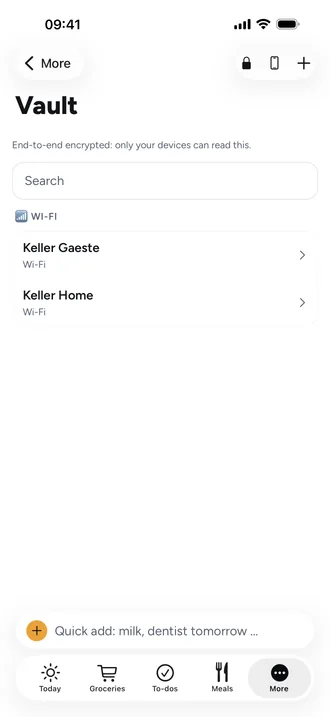
Share passwords and Wi-Fi with your family, end-to-end encrypted
The guest Wi-Fi password, the garage door code, the health insurance login: these often live in a chat or on a scrap of paper. Neither is safe or easy to find.
The vault in Beeside
In the vault you add entries for Wi-Fi, Account, Code or Secret note. It belongs to the whole family and opens with Face ID or your phone's passcode.
What end-to-end encryption means
- Your devices encrypt every entry before it leaves the phone.
- The server only stores scrambled data: title, username, password and note are unreadable to it.
- Only a device you've approved can read an entry.
- There are areas for family, kids and private. Kids' devices only get the kids area.
New phone, lost phone
You approve a new device from an existing one. For emergencies there's a recovery key you write down once during setup.
Frequently asked questions
Can Beeside read my passwords?
No. The server only stores entries encrypted, and only your approved devices can read them.
Does the vault work in the browser?
No, only in the app on iPhone and Android.